 EN
EN
 FR
FR
 JA
JA
 RU
RU
 ES
ES

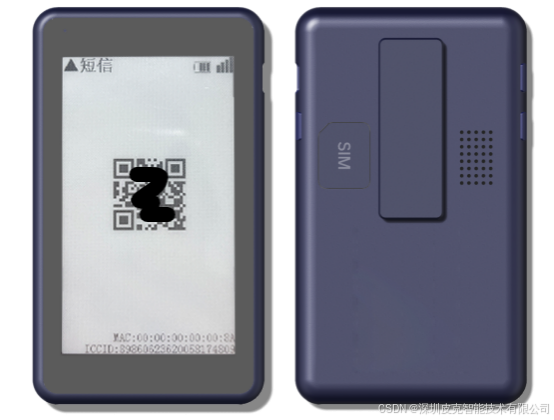
Display Interface Description
1. Message Display Area
Supports displaying content from SMS, phone calls, and WeChat messages.
2. Status Information Area
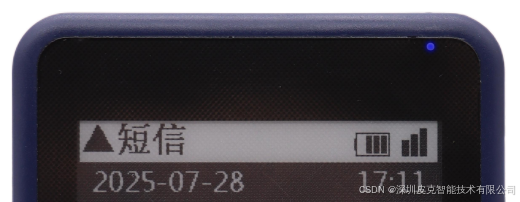
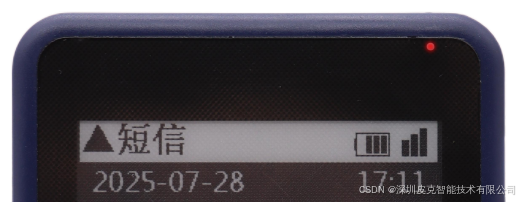
Date: Displayed on the left side of the second row of the screen.
Time: Displayed on the right side of the second row of the screen.
Battery/Signal: Simultaneously displays battery level, signal strength, and power-off status in the upper-right corner.
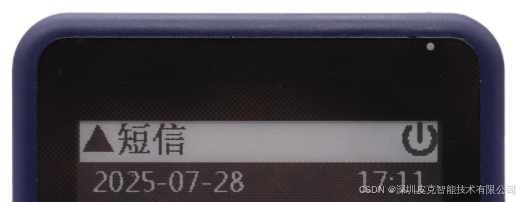
3. Display Technology
Features a high-definition monochrome e-ink display with black acrylic edges, delivering clear visuals while minimizing power consumption.
Hardware and Interaction Design
1. Housing and Materials
The body is constructed from blue ABS plastic, offering lightweight durability.
2. Communication Methods
Supports 4G networks to ensure real-time message delivery.
3. Button Functions
Power Button: Press and hold for 2 seconds to turn on.
Page Up/Down Buttons: Press briefly to navigate pages, accompanied by haptic feedback.
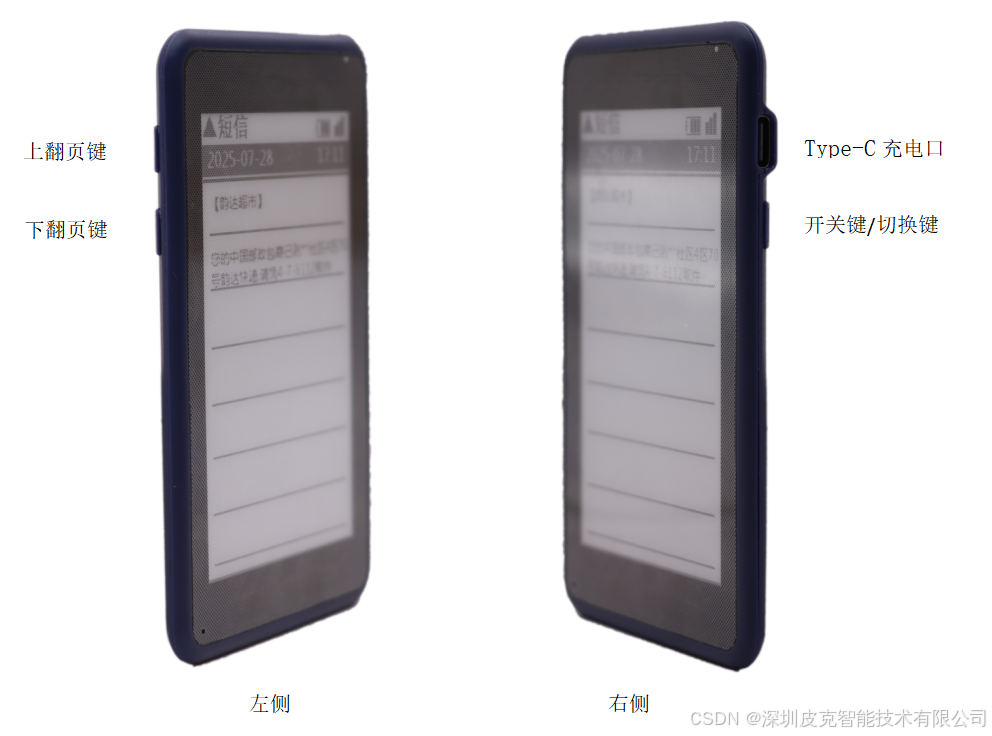
Charging and Lanyard
The charging port is Type-C and supports fast charging.
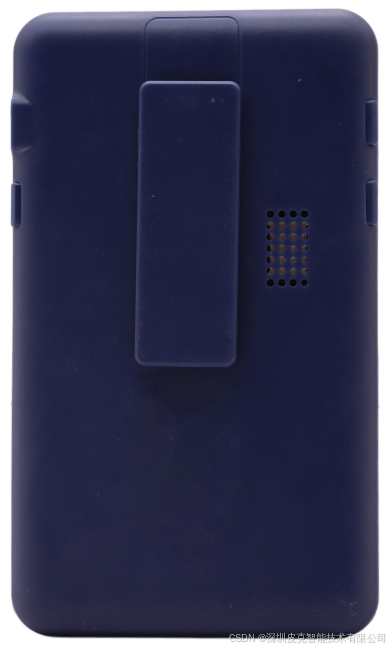
Equipped with a lanyard hole for wearing around the neck.
Voice and Alert Functions
1. Voice Announcements
Automatically announces new messages (SMS/calls/WeChat) upon arrival.
2. LED Indicator
Button Operation: Blue light illuminates.
Charging Status: Red light illuminates during charging; green light illuminates when fully charged.
Troubleshooting
Signal Issues: If the signal display is blank, try restarting the device or unplugging and replugging the charging cable to restore it.