Home > > Operation Guide
APP Installation Guide
Android Phones
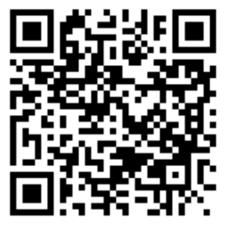
Scan the QR code with a browser to download the APK, then install it.
iPhone / iOS
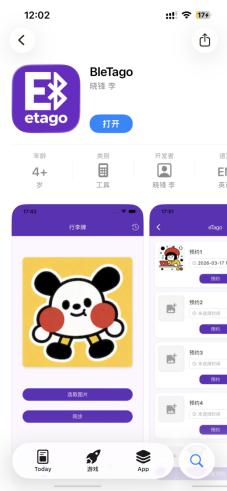
Search BleTago in the Apple App Store to download and install.
APP Screen Cast Operation
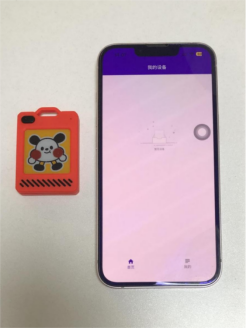
1.Press the top-left button on the device once. The indicator flashes, and the device activates and enters pairing mode.
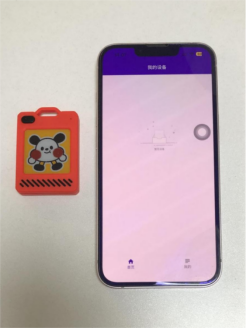
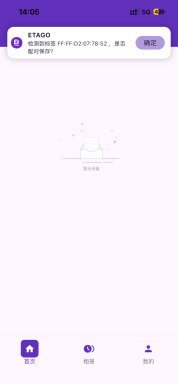
2.A tag ID pairing window will pop up on your phone. Tap Confirm to finish pairing.
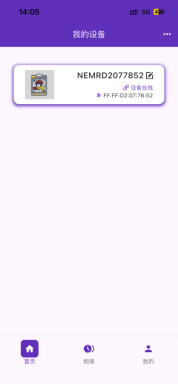
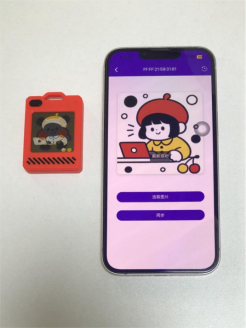
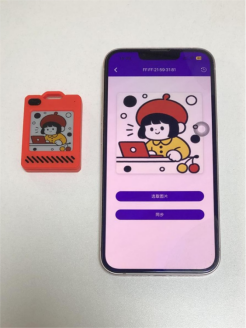
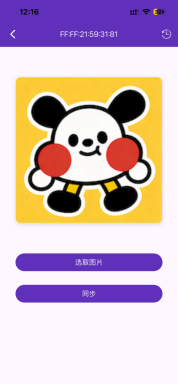
3.In My Devices, select the corresponding device to enter the screen cast refresh page, then choose an image.
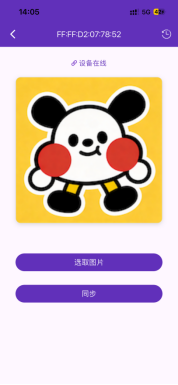
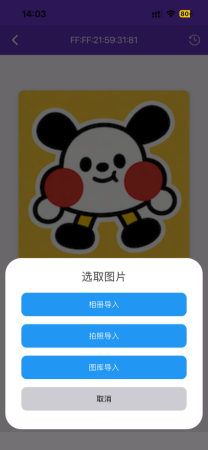
4.Tap Select Image. The APP supports importing images from Album, Camera, or Gallery.
5.After selecting the image, tap Sync. The device screen flashes and vibrates, indicating that data is being transmitted for screen casting.
APP Schedule Operation
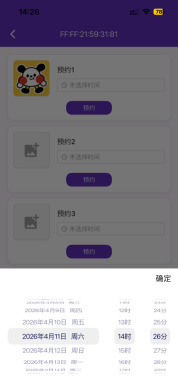
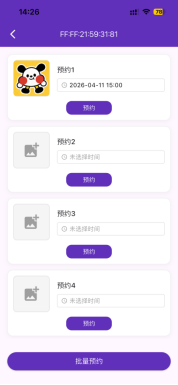
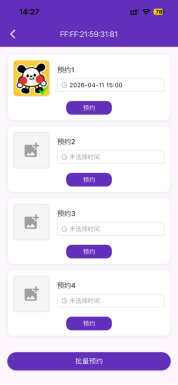
1.On the device page, tap Schedule in the top-right corner to enter the schedule settings interface.
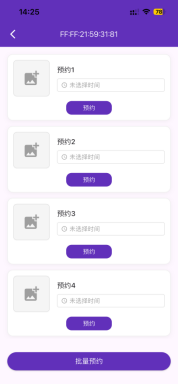
2.Select the image and time you want to schedule, then tap Schedule to save.
3.A check mark (✔) in the lower-right corner of the image box means the schedule is set successfully.
Basic Operations & Status Instructions
 EN
EN
 FR
FR
 JA
JA
 RU
RU
 ES
ES